
 TRADE SKINS EASILY


RECENT  SKIN SALES
Sell Skins
FN
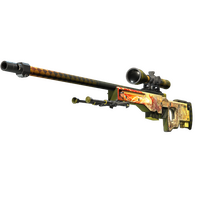
AWP
DRAGON LORE

TITAN (HOLO)
TITAN (HOLO) ...
FN
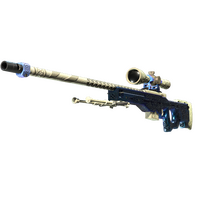
AWP
GUNGNIR
MW

SPECIALIST GLOVES
CRIMSON KIMON...
FT

SPORT GLOVES
PANDORA'S BOX
MW
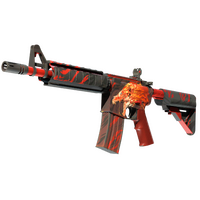
M4A4
HOWL
FN
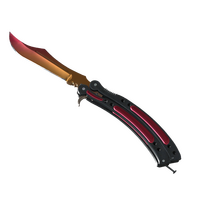
BUTTERFLY KNIFE
FADE
FN
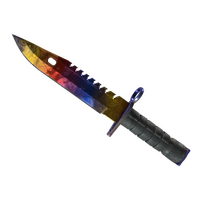
M9 BAYONET
MARBLE FADE
MW
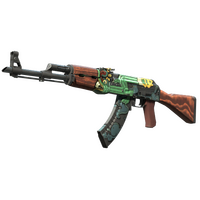
AK-47
FIRE SERPENT




Select multiple cashout options
The advance settles in SOL by default, or USDC on Solana, Bitcoin, Ethereum or Litecoin. Same 100% of appraisal whichever rail you pick, paid to a wallet you control.


Trade Skins Now!
To begin trading out CSGO skins, login with your steam account and visit the profile page to set your trade link.
WATCH OUR TUTORIAL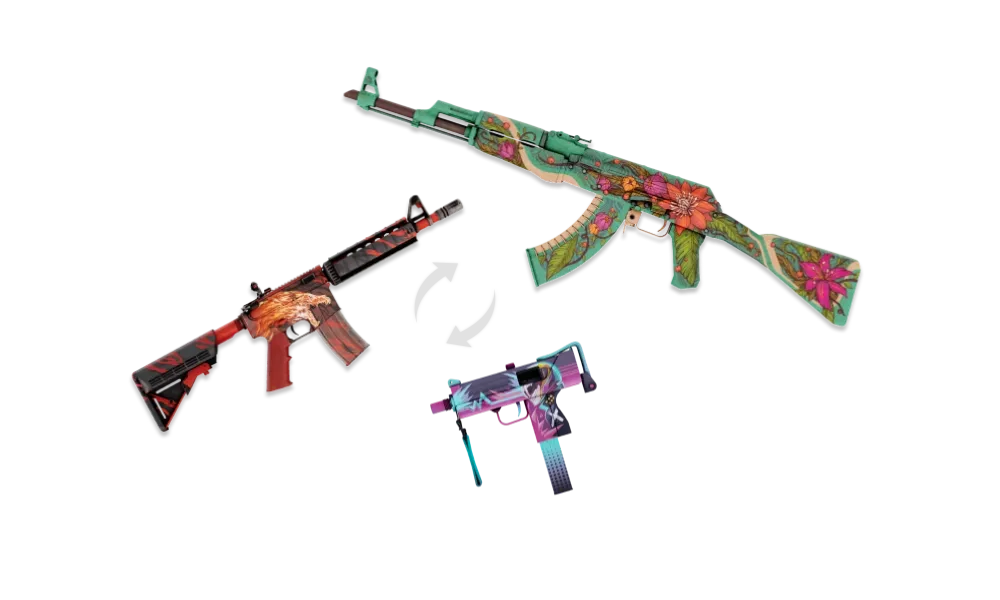
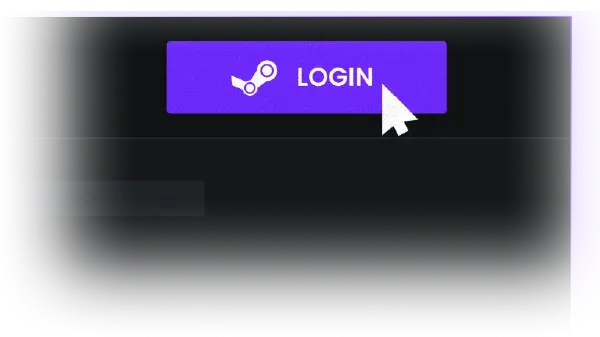
1. Login with Steam
To begin trading out CSGO skins, login with your steam account and visit the profile page to set your trade link.
2. Select skins to trade
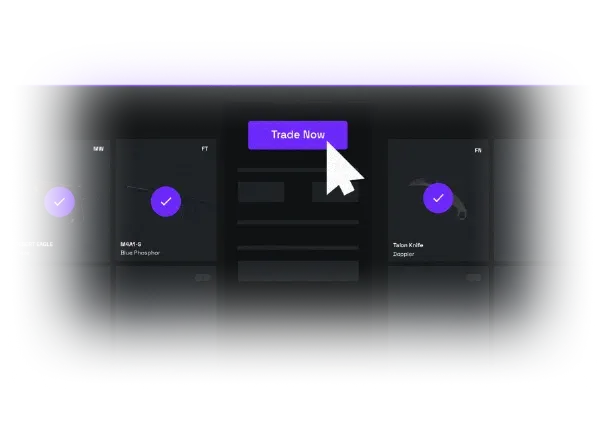
Select the skins you want to trade from your inventory and from our bots' inventory. Then, press the "Trade Now" button.
3. Accept the trade offers
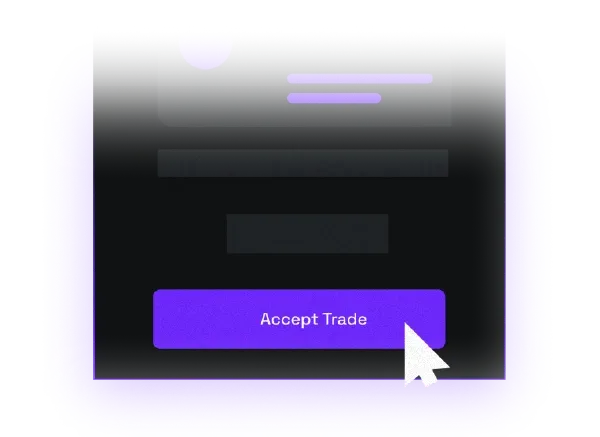
Send your items by accepting our bot's trade offer. You will then receive a new trade offer with your new items.
Sell Skins Now!
To begin cashing out CSGO skins, login with your steam account and visit the profile page to set your trade link.
WATCH OUR TUTORIAL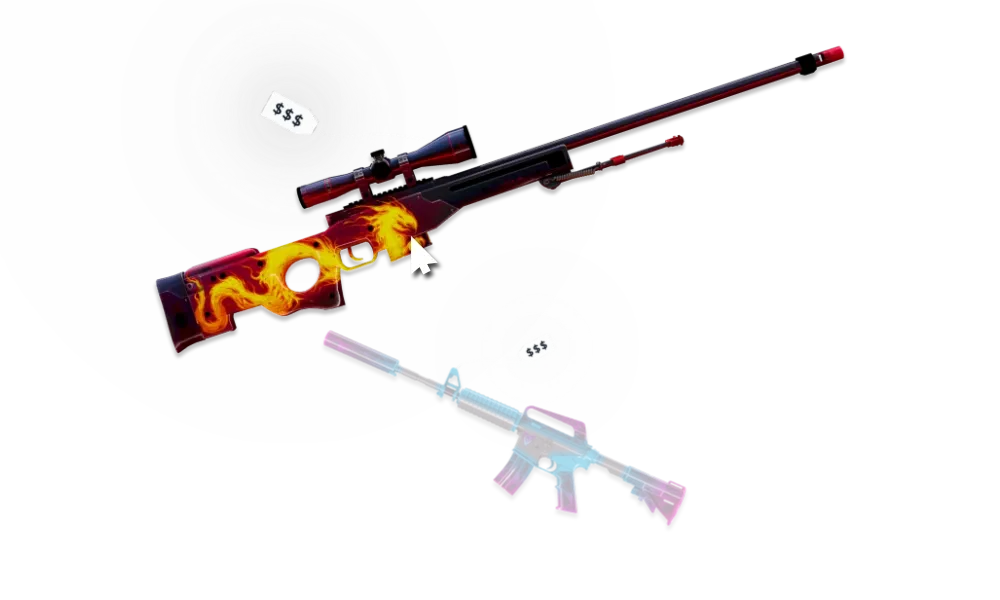
1. Login with Steam
To begin cashing out CSGO skins, login with your steam account and visit the profile page to set your trade link.
2. Select skins to sell
Choose the skins you want to sell for money and your preferred payout method (SOL, Bitcoin, Ethereum, Litecoin).
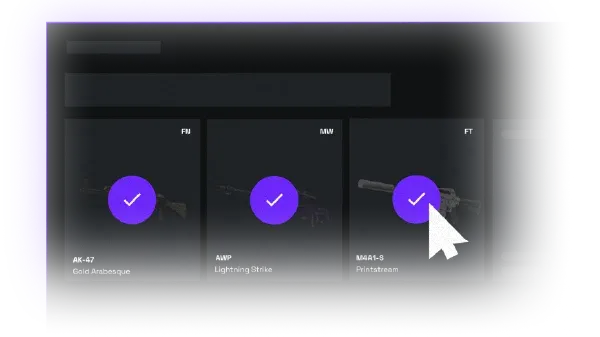
3. Submit and accept trade
Confirm your trade on the Steam mobile application and receive your money within minutes!

POPULAR QUESTIONS
Why CS2 skins are expensive?
To understand what makes a CS2 skin valuable, we must consider a few factors such as how easy it is to obtain, the condition it is in, and the history behind it.
Skins that can only be obtained through participating in operations tend to rise up in value after their operation ends as their supply becomes limited. This includes skins such as the AWP Gungnir and the AWP Medusa. As new players start playing Counter-Strike their only way of obtaining those skins would be purchasing it from another player.
CS2 skins come in 5 conditions. If we classify them from best to worst it goes like such: Factory New, Minimal Wear, Field-tested, Well-worn and Battle-Scarred. Each of these 5 conditions determines the wear of the skin. With players often seeking the cleanest skin possibly, Factory New skins are very often the most expensive category for each skin.
Iconic skins which have history behind them or are being used by pro players can become extremely sought after by collectors. Such skins include the AWP Dragon Lore and the Case Hardened Blue Gems finishes which have seen sales in the hundreds of thousands of dollars over the years.
How to sell CS2 skins for SOL?
SOL is the preferred choice for many users when selling CS2 skins since it allows for easy transfer of funds that can then be utilized to pay bills or other expenses quickly. To sell your skins for SOL funds:
Step 1:
Login using Steam to load your skins inventory.
Step 2:
Navigate to the 'Sell' page and select the skins you want to exchange for SOL funds.
Step 3:
Select the SOL withdrawal option and input your email address.
Step 4:
Confirm the transaction by accepting our bot's trade offer.
It is as simple as that! You can expect to receive your funds on SOL within 2 to 8 hours after the Trade Protection of the items you traded expires. If you have any questions or need assistance please open a ticket using the on-site chat widget!
How to sell CS2 skins for crypto?
Pick the rail the advance lands in when you open a ticket. Solana settles fastest and redeems at 1.9%.
Step 1:
Login using Steam to load your skins inventory.
Step 2:
Navigate to the 'Sell' page and select the skins you want to exchange for crypto.
Step 3:
Select the currency you prefer (BTC, LTC, ETH, SOL) and input your wallet address.
Step 4:
Confirm the transaction by accepting our bot's trade offer.
Note that the BTC, LTC and ETH cashout options for your skins are all based on their native chains. For example when withdrawing Bitcoin funds, you will need to input a Bitcoin wallet on the Bitcoin blockchain. The same goes with transferring Ethereum funds, you need to input your Ethereum native wallet (do not input Layer 2 wallets). If you have any questions on how to sell your skins for crypto feel free to open a ticket using our on-site chat widget!
POSTS

Most Profitable Capsules to Open
2024-03-14
Best CS2 capsules to open in terms of profitability (March 2025). 1. DreamHack 20
CS2 Doppler phases explained
2024-04-05
All CS2/CSGO Doppler skin phases explained in depth

Do CS2 Skins wear out with play time?
2024-04-02
CS2 Skins float wear system explained in details

Best Smokes Lineups in CS2
2024-03-28
5 of the best smoke lineups in CS2 explained in depth
Best M4A4 Skins
2024-03-27
The Best M4A4 Skins in CS2 in April 2024

Best AWP Skins
2024-03-24
A dive into the best CS2 AWP skins
Best Glock Skins
2024-03-23
A dive into the best CS2 Glock skins

Best CS2 Crosshairs used by CS2 Pros
2024-03-25
How to adjust for the best CS2 crosshair
Best Ak skins
2024-03-20
A dive into the best AK skins

CS2 Nade Commands review
2024-03-18
A look into setting up commands to practice nades
Cheapest CS2 Knives
2024-03-17
A look into most affordable CS2 knives

CS2 Cases Predetermination
2024-03-16
A look into CS2 cases calculation mechanism

Steam Trade Hold
2023-12-10
A Deep Dive Into Steam Holds

How to earn CS2 cases
2023-10-20
Exploring different ways to get cases
Best Cases to Open in CS2?
2026-08-22
Best Cases to Open: 1. eSports 2013 Winter Case ($20.32 + $2.49 key) (70.45% ROI)

Why are CS2 skins so expensive?
2024-03-01
Exploring the Valuation and Rising Demand of CS2 Skins

Most Expensive Skins
2023-09-23
A Deep Dive Into CS2's most expensive Skins!
How to Boost CS2 FPS
2023-08-30
Deep insight into optimizing CS2 frames performance
Spawn any skin with console
2023-08-15
Deep insight into useful CS2 console commands
Avoid API Key Scams
2023-08-11
A Deep Dive Into CS2's most dangerous scam!
Most Expensive Cases
2023-07-31
A Deep Dive Into CS2's most valuable Cases!
Most Expensive Stickers
2023-07-07
A Deep Dive Into CS2's most valuable stickers!
Most Expensive CSGO Skins
2026-02-20
1. Karambit Case Hardened Blue Gem: $2.5 Million+ · 2. AK-47 Case Hardened Blue G
CS2 Genesis Terminal Guide
2025-09-30
How weekly Genesis Terminal offers work and the best deals ranked.
Steam Trade Protection Update
2025-07-16
What Valve's trade reversal feature means for CS2 skin trading.
How to Withdraw Steam Balance
2026-01-28
Ways to turn Steam wallet funds into real money.

How to Sell Your CS2 Skins
2023-06-14
Are you looking to turn your CS2 skins into real money?